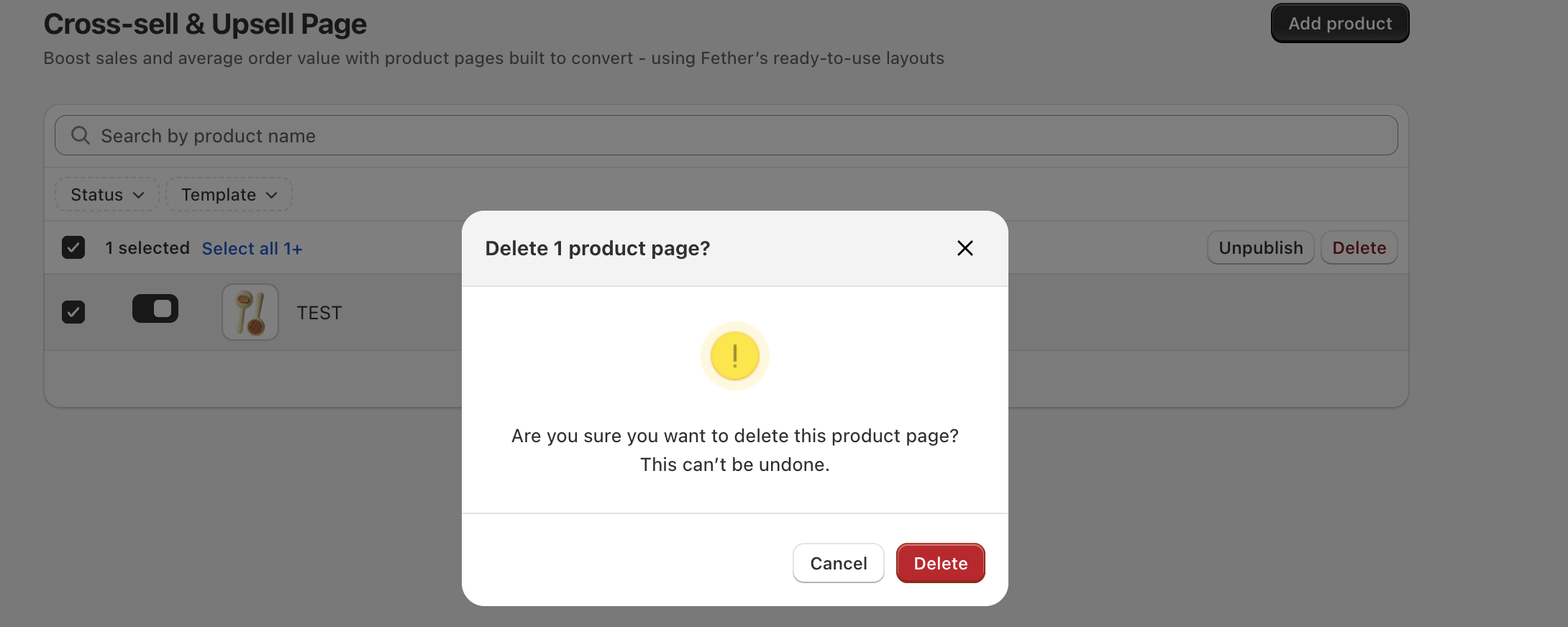
If you decide to delete an upsell product template assigned to a product, it’s important to understand the impact this action has on your product page and how it will appear to your customers.
Reset to Default Template
When you delete a product upsell template, the product will automatically reset to the default product template provided by your Shopify theme. This means:
The custom upsell layout and any special design or upsell offers associated with the deleted template will no longer be displayed.
Your product page will revert to the original, standard layout that comes with your store’s theme.
All product information such as images, descriptions, pricing, and variants will remain intact — only the page design changes.
What this means for your store
The product will continue to be fully functional and visible on your store.
You can create and assign a new upsell template to the product at any time if you want to restore or change the upsell experience.
Summary
Deleting a product upsell template effectively removes any customized upsell design for that product and returns it to the default Shopify product page template. This provides a simple way to undo upsell customizations while keeping the product available for purchase without interruption.
If you want to reintroduce upsell features later, you can always create and assign a new upsell product template to the product.
If you require further assistance, please don't hesitate to contact us at support@fether.app.
Was this article helpful?
That’s Great!
Thank you for your feedback
Sorry! We couldn't be helpful
Thank you for your feedback
Feedback sent
We appreciate your effort and will try to fix the article