Creating product pages that convert is one of the most effective ways to grow revenue without increasing traffic. With Fether’s Cross-sell & Upsell feature and ready-to-use layouts, you can build optimized product pages that guide customers toward higher-value purchases while maintaining a seamless shopping experience.
What Makes Fether’s Cross-sell & Upsell Feature Powerful?
Fether is designed to help merchants increase average order value (AOV) by enabling the creation of dedicated cross-sell and upsell product pages using ready-to-use, conversion-focused layouts.
Key Benefits of Using Fether’s Cross-sell & Upsell Pages
Increases average order value by encouraging relevant upsells and cross-sells
Highlights related products at the right point in the buying journey
Uses ready-made, conversion-focused layouts
Replaces generic product pages with targeted upsell experiences
Quick to set up and easy to publish
How to Create a Product Upsell Page
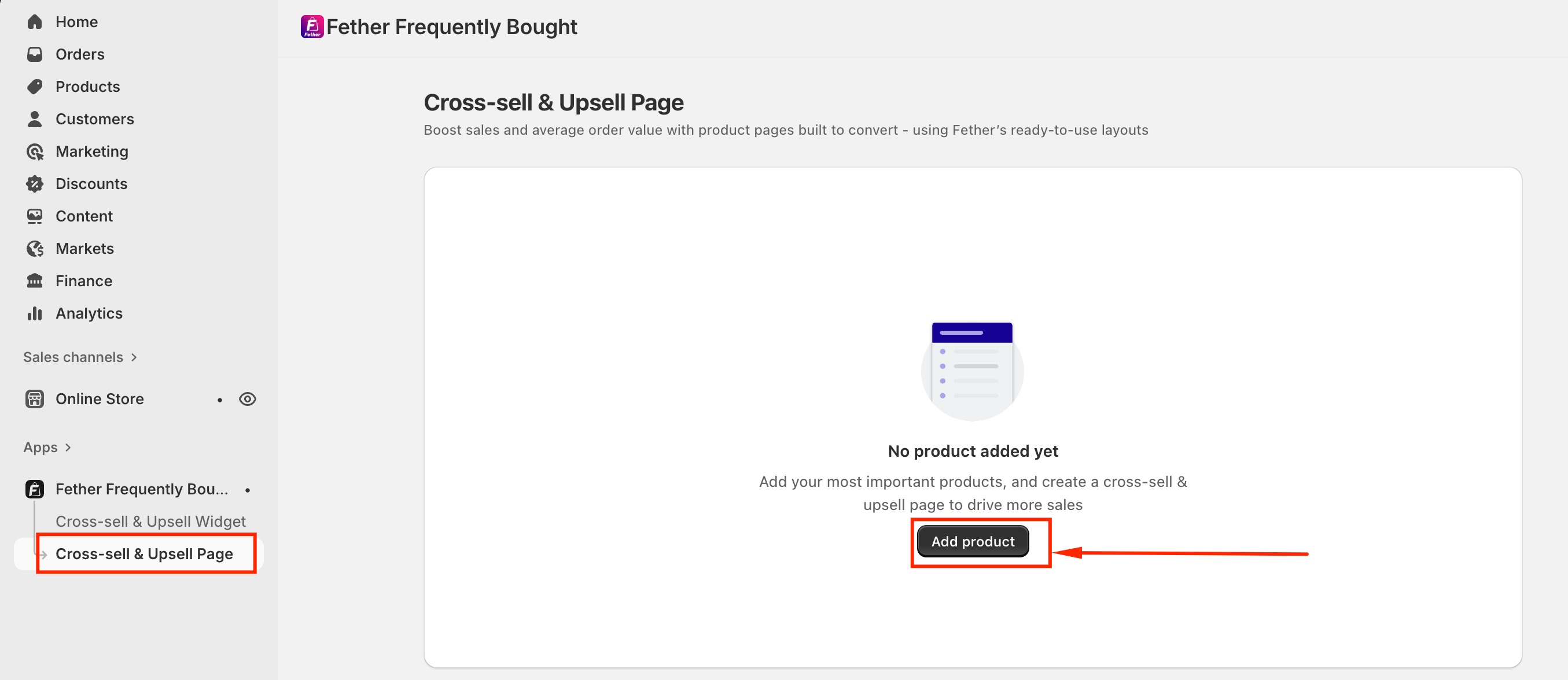
Go to Cross-sell & Upsell page → Add product
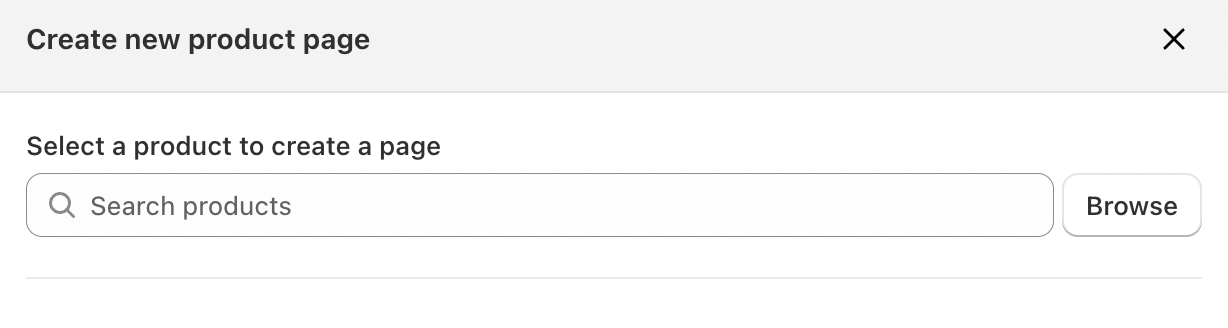
Select the product you want to create a page for
Choose a template: Showcase or Aura
Fether currently offers two template options:Showcase
A sleek, customizable layout designed to showcase product details and boost engagement.Aura
An elegant, story-driven layout that highlights product beauty, builds trust, and inspires confident purchases.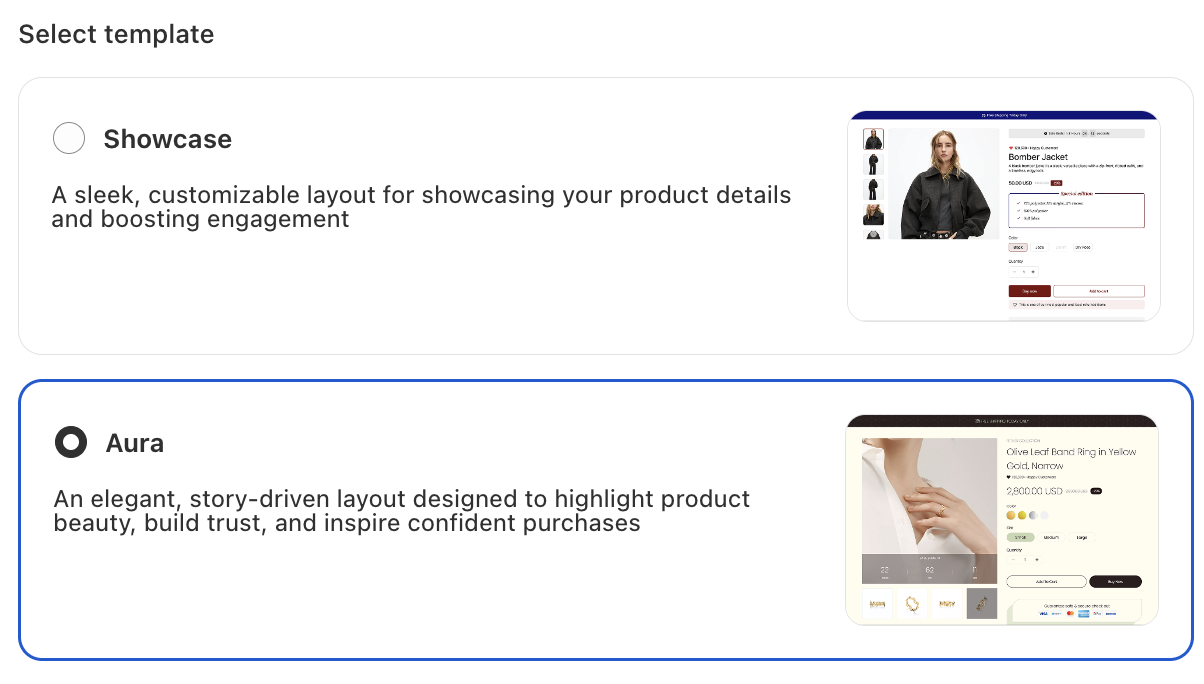
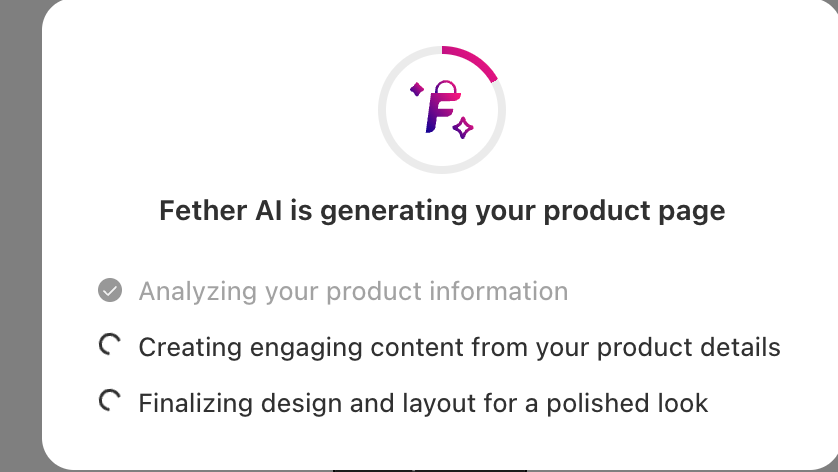
- Click Nextand allow the app a few seconds to generate your product page
Click Save from theme
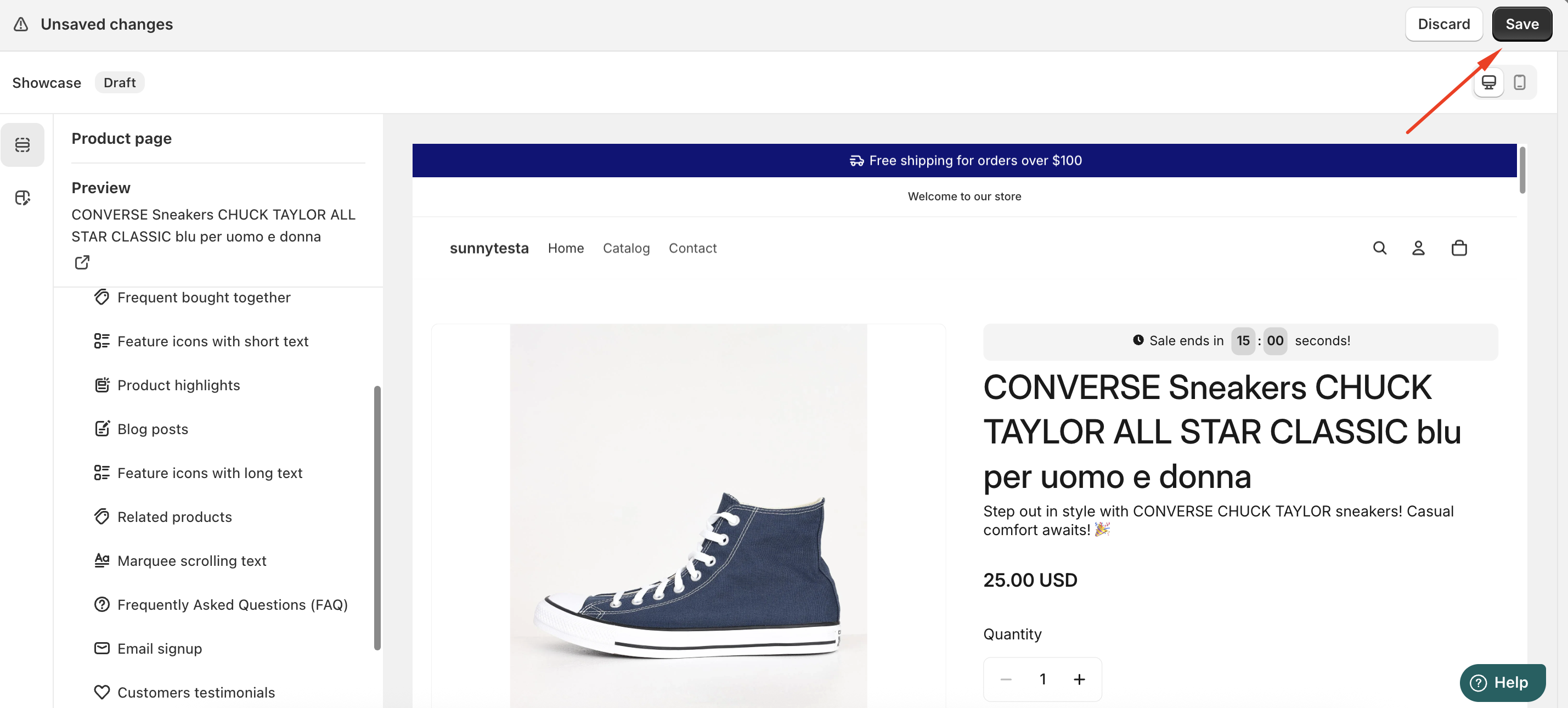
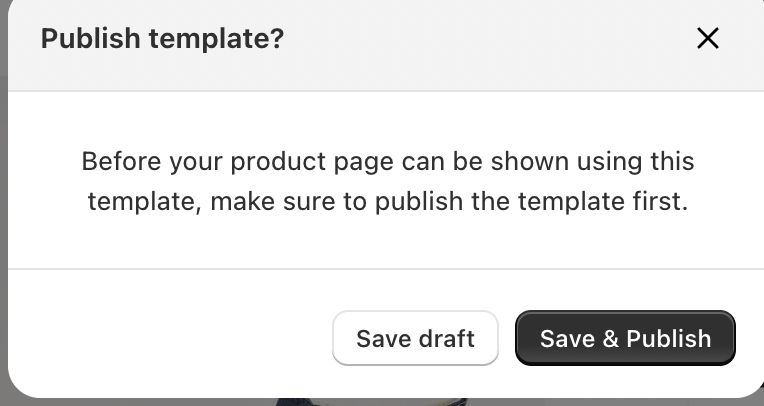
Save and publish the page to make it live on your storefront
Start Turning Product Pages into Revenue Drivers
With Fether’s Cross-sell & Upsell feature, your product pages become more than just informational—they become strategic tools for increasing revenue, improving customer experience, and maximizing the value of every visitor.
If you require further assistance, please don't hesitate to contact us at support@fether.app.
Was this article helpful?
That’s Great!
Thank you for your feedback
Sorry! We couldn't be helpful
Thank you for your feedback
Feedback sent
We appreciate your effort and will try to fix the article