Many merchants want to offer product recommendations from related collections to enhance cross-selling. For example, when a customer views a shirt product, it’s ideal to show complementary items like trousers, denim, t-shirts, and innerwear together in the frequently bought together section.
Currently, using the “Same collection” strategy only displays products from the exact same collection as the main product — in this case, only shirts. This is due to technical and platform limitations.
Recommended Approach
To provide relevant product bundles while maintaining optimal performance, we suggest creating specific bundles for your main products, such as shirts. This approach allows you to:
Manually select related products to include in the bundle (e.g., trousers, denim, t-shirts, innerwear).
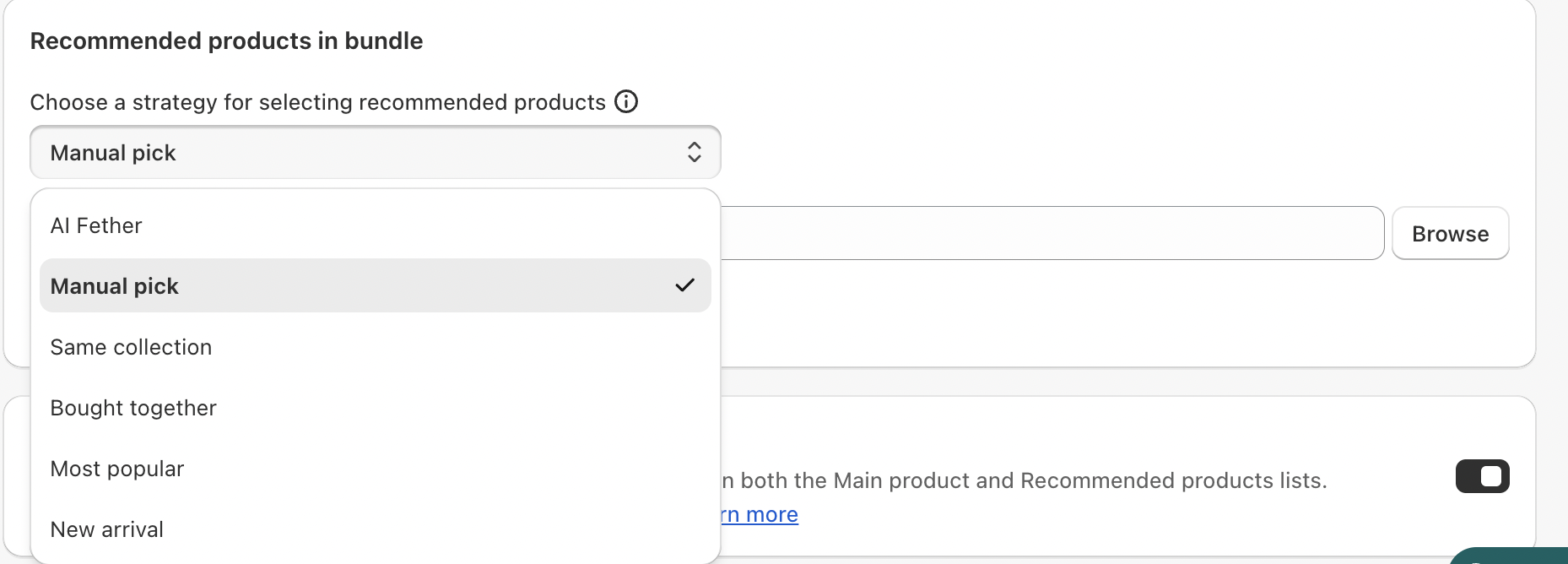
Benefits of Manual Bundle Creation
Manual selection gives you greater control over which products appear together, avoids potential performance issues, and works within Shopify’s current technical framework.
Was this article helpful?
That’s Great!
Thank you for your feedback
Sorry! We couldn't be helpful
Thank you for your feedback
Feedback sent
We appreciate your effort and will try to fix the article